Listen Again
How to Use Listen Again
Welcome to Red Kite Radio's Listen Again service! Here's how to find and play your favorite shows:
- Select a date - Click on any date in the tabs below to see shows from that day
- Choose a show - Browse through the show cards and click on one to see available episodes
- Select an episode - On the show page, you'll see all available recordings. Click on one to listen
- Use the player controls - Play, pause, and adjust volume as needed. You can also skip forward or backward
- Share with friends - Use the Facebook or WhatsApp buttons to share your favorite shows
Note: Only one show can play at a time. The play count increases each time someone listens to a show.
Thursday, 8 October 2026
Wednesday, 7 October 2026
Tuesday, 6 October 2026
-
07:00-10:00
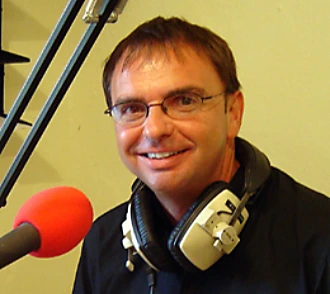 The Breakfast Show with Chris TownsendChris Townsend
 -
10:00-13:00
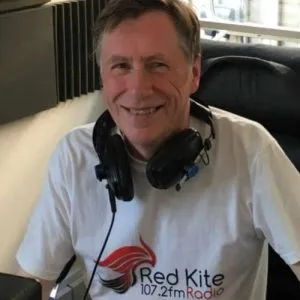 Mid Morning Show with Howard BondHoward Bond
 -
19:00-21:00
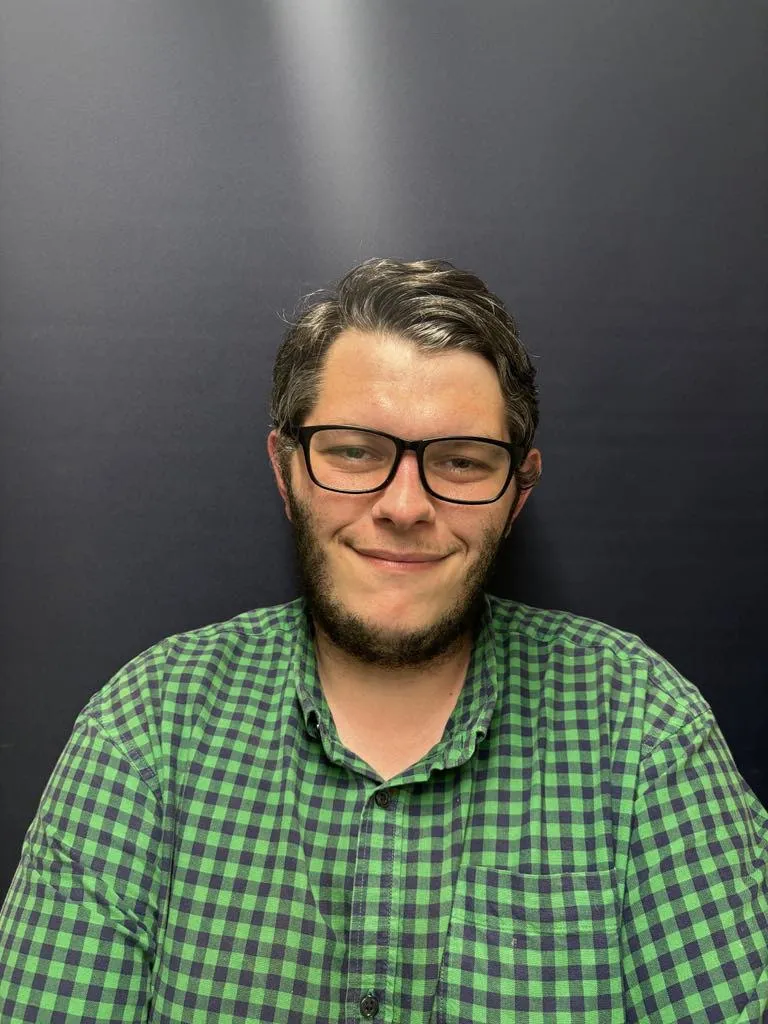 Nineties Rewind with Daniel AshmanDaniel Ashman
 -
21:00-22:00
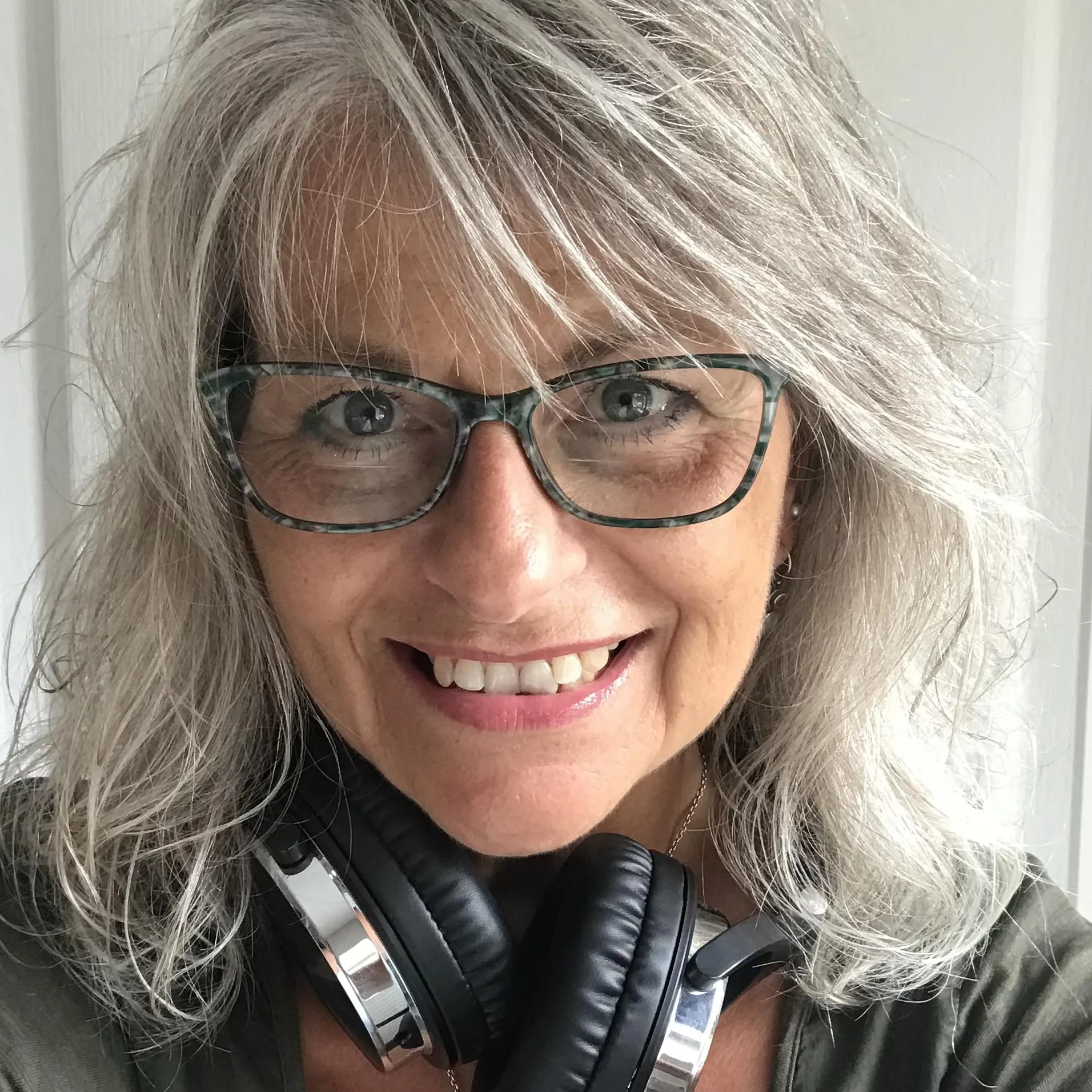 Motown Magic with Annette LuckAnnette Luck
 -
22:00-23:00
 Weekday Wind-Down with Donald McFarlaneDonald McFarlane
Monday, 5 October 2026
Sunday, 4 October 2026
-
07:00-10:00
Sunday Breakfast with Annette LuckAnnette Luck
-
10:00-13:00
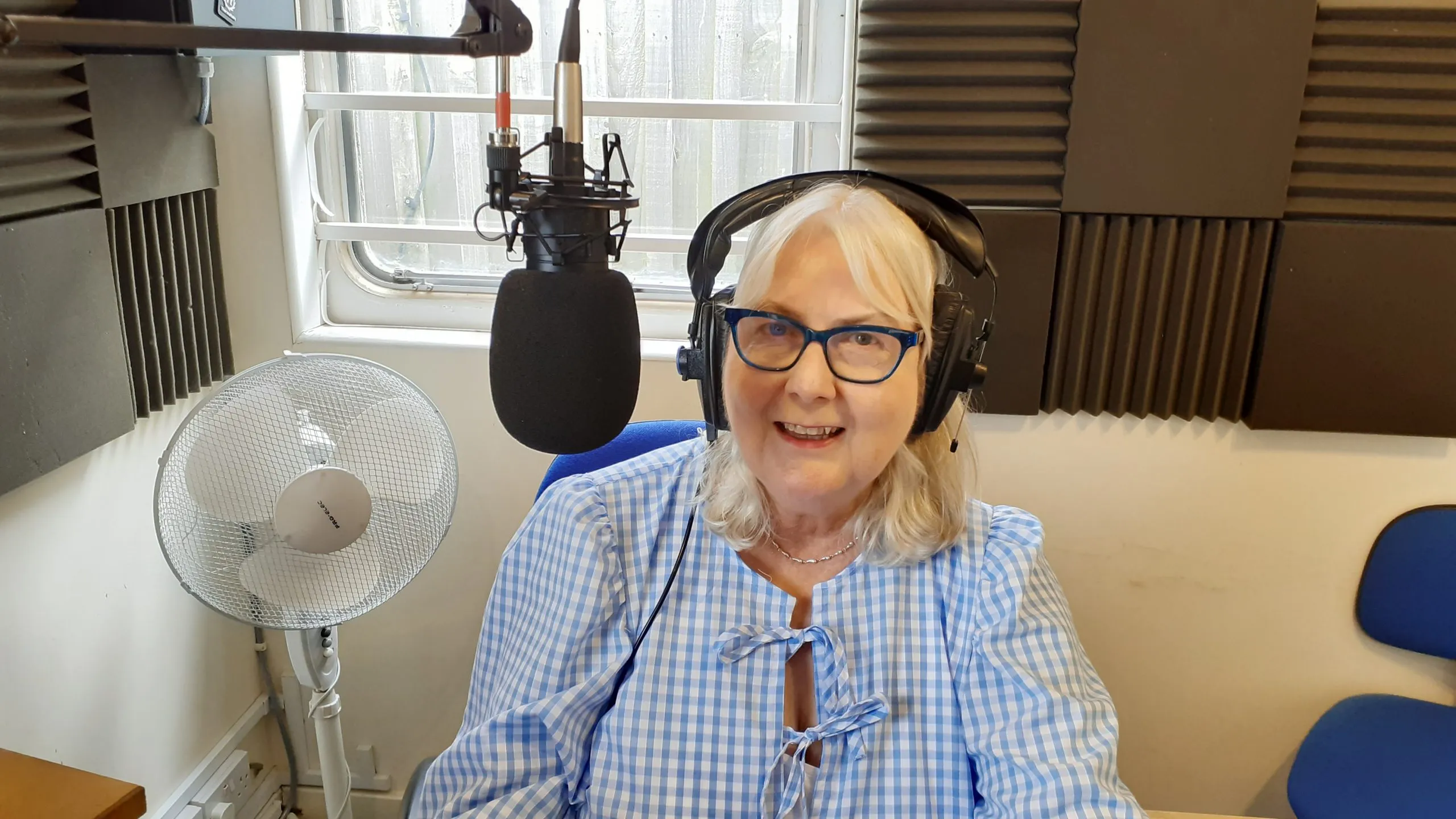 Sunday Brunch with Juanita HughesJuanita Hughes
 -
13:00-15:00
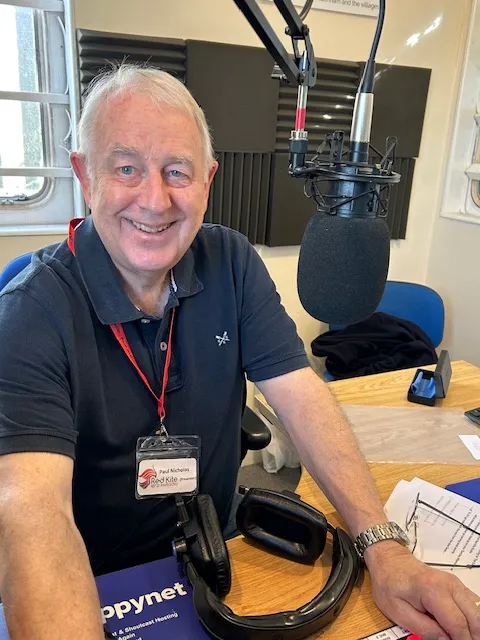 Sunday Afternoon Session with Paul NicholasPaul Nicholas
 -
15:00-16:00
Acoustic Hour with Paul NicholasPaul Nicholas
-
19:00-22:00
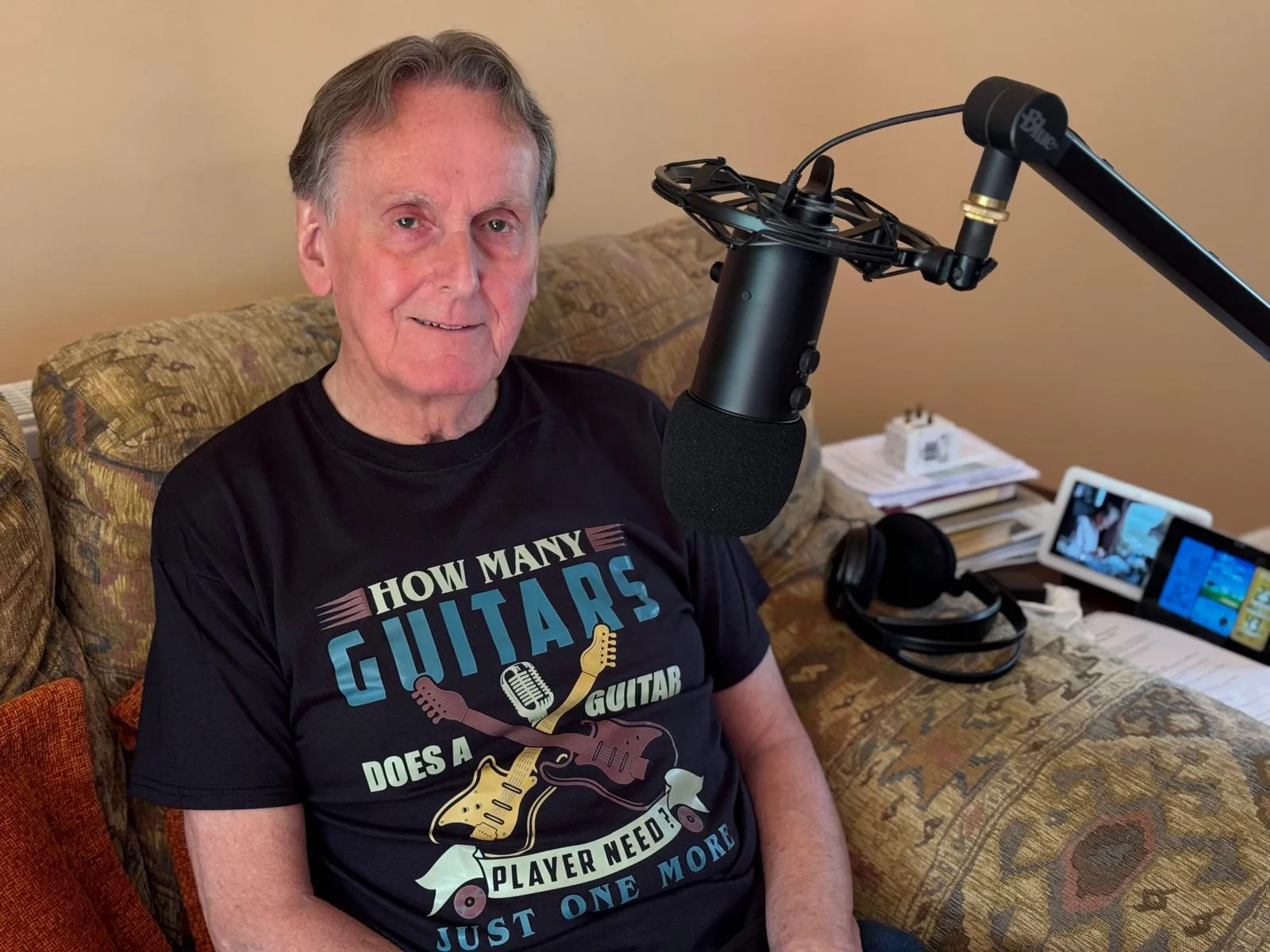 Sunday Rocks! with Clive WagerfieldClive Wagerfield
 -
22:00-23:00
 Breakaway Blues Show with Graham AndrewsGraham Andrews
Saturday, 3 October 2026

Friday, 2 October 2026
Thursday, 1 October 2026
Wednesday, 30 September 2026
Tuesday, 29 September 2026
-
07:00-10:00
The Breakfast Show with Chris TownsendChris Townsend
-
10:00-13:00
Mid Morning Show with Howard BondHoward Bond
-
19:00-21:00
Nineties Rewind with Daniel AshmanDaniel Ashman
-
21:00-22:00
Motown Magic with Annette LuckAnnette Luck
-
22:00-23:00
Weekday Wind-Down with Donald McFarlaneDonald McFarlane
Monday, 28 September 2026
Sunday, 27 September 2026
-
07:00-10:00
Sunday Breakfast with Annette LuckAnnette Luck
-
10:00-13:00
Sunday Brunch with Juanita HughesJuanita Hughes
-
13:00-15:00
Sunday Afternoon Session with Paul NicholasPaul Nicholas
-
15:00-16:00
Acoustic Hour with Paul NicholasPaul Nicholas
-
19:00-22:00
Sunday Rocks! with Clive WagerfieldClive Wagerfield
-
22:00-23:00
Breakaway Blues Show with Graham AndrewsGraham Andrews
Saturday, 26 September 2026
Friday, 25 September 2026
Thursday, 24 September 2026
Wednesday, 23 September 2026
Tuesday, 22 September 2026
-
07:00-10:00
The Breakfast Show with Chris TownsendChris Townsend
-
10:00-13:00
Mid Morning Show with Howard BondHoward Bond
-
19:00-21:00
Nineties Rewind with Daniel AshmanDaniel Ashman
-
21:00-22:00
Motown Magic with Annette LuckAnnette Luck
-
22:00-23:00
Weekday Wind-Down with Donald McFarlaneDonald McFarlane
Monday, 21 September 2026
Sunday, 20 September 2026
-
07:00-10:00
Sunday Breakfast with Annette LuckAnnette Luck
-
10:00-13:00
Sunday Brunch with Juanita HughesJuanita Hughes
-
13:00-15:00
Sunday Afternoon Session with Paul NicholasPaul Nicholas
-
15:00-16:00
Acoustic Hour with Paul NicholasPaul Nicholas
-
19:00-22:00
Sunday Rocks! with Clive WagerfieldClive Wagerfield
-
22:00-23:00
Breakaway Blues Show with Graham AndrewsGraham Andrews
Saturday, 19 September 2026
Friday, 18 September 2026
Thursday, 17 September 2026
Wednesday, 16 September 2026
Tuesday, 15 September 2026
-
07:00-10:00
The Breakfast Show with Chris TownsendChris Townsend
-
10:00-13:00
Mid Morning Show with Howard BondHoward Bond
-
19:00-21:00
Nineties Rewind with Daniel AshmanDaniel Ashman
-
21:00-22:00
Motown Magic with Annette LuckAnnette Luck
-
22:00-23:00
Weekday Wind-Down with Donald McFarlaneDonald McFarlane
Monday, 14 September 2026
Sunday, 13 September 2026
-
07:00-10:00
Sunday Breakfast with Annette LuckAnnette Luck
-
10:00-13:00
Sunday Brunch with Juanita HughesJuanita Hughes
-
13:00-15:00
Sunday Afternoon Session with Paul NicholasPaul Nicholas
-
15:00-16:00
Acoustic Hour with Paul NicholasPaul Nicholas
-
19:00-22:00
Sunday Rocks! with Clive WagerfieldClive Wagerfield
-
22:00-23:00
Breakaway Blues Show with Graham AndrewsGraham Andrews